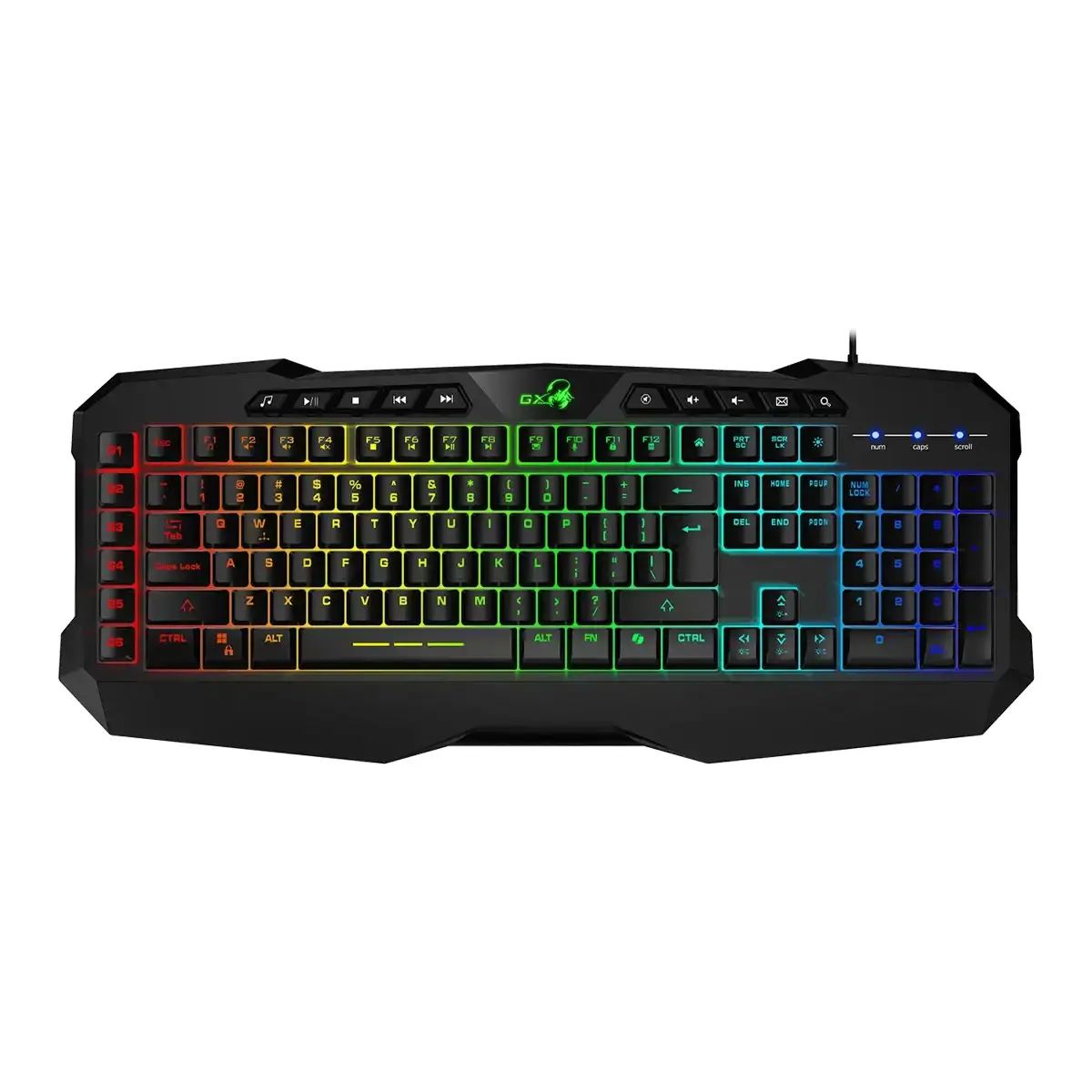
This comparison evaluates the Genius Scorpion K11 Pro Gaming Keyboard with RGB Backlight USB Copilot AI Key and Macro Keys gaming keyboard against three alternative models: the mechanical Genius Scorpion K7 Plus RGB Backlight, the mechanical Genius GX Gaming Scorpion KM-GX3 with RGB backlight, and the membrane Acer Nitro NKW100 Gaming Keyboard with Membrane Switches, USB Wired Interface, Seven-Zone RGB Backlight, CoPilot Key, and UK QWERTY Layout. All compared products belong to the gaming keyboard category, featuring wired USB connections and customizable backlighting. The primary differences lie in the switch mechanisms (membrane versus mechanical), the inclusion of dedicated macro keys, and modern artificial intelligence shortcut keys.
⚙️ The following table compares key specifications across the products, including switch types, backlighting, special keys, and interface details.
| Specification | Genius Scorpion K11 Pro | Genius Scorpion K7 Plus | Genius GX Gaming Scorpion KM-GX3 | Acer Nitro NKW100 | Practical Significance |
|---|
| Switch Type | Membrane (with anti-ghosting) | Mechanical | Mechanical | Membrane | Mechanical switches offer tactile feedback and enhanced durability, while membrane options generally provide quieter operation. |
| Backlight | RGB LED | RGB | RGB | Seven-zone RGB | All models include customizable illumination for visibility and aesthetic appeal during low-light sessions. |
| Special Keys | Dedicated Copilot AI key and 6 macro keys | Standard layout | Programmable or multimedia keys | Dedicated CoPilot key | The inclusion of the Copilot AI key on the K11 Pro and Acer Nitro models simplifies AI accessibility, while macro keys on the K11 Pro assist in gaming. |
| Interface | Wired USB | Wired USB | Wired USB | Wired USB with 1.8m cable | All keyboards utilize a reliable wired USB connection to ensure stable data transmission without input lag. |
◎ The table below evaluates how well each product fits different user needs, use cases, and typing preferences.
| Use Case | Recommended Product | Why |
|---|
| Gaming requiring quick macro execution | Genius Scorpion K11 Pro | Equipped with six dedicated macro keys and anti-ghosting support to streamline complex in-game actions. |
| Traditional gaming and heavy typing with tactile switches | Genius Scorpion K7 Plus or Genius GX Gaming Scorpion KM-GX3 | These options utilize mechanical switches designed for tactile feedback, precision, and long-term durability. |
| General daily computing and office tasks with AI integration | Acer Nitro NKW100 | Features responsive membrane switches, a numeric keypad, a standard UK QWERTY layout, and a dedicated CoPilot key. |
Choosing between the Genius Scorpion K11 Pro and the alternative models depends on whether you prefer mechanical or membrane keys and how much you value dedicated macros. If you want dedicated macro functionality and AI shortcut access combined with a membrane typing feel, the Genius Scorpion K11 Pro is a strong fit. Users seeking mechanical switch feedback will prefer the Genius Scorpion K7 Plus or Genius GX Gaming Scorpion KM-GX3, whereas the Acer Nitro NKW100 serves as a reliable all-around option for everyday computing.